Unified Staff Access Across Xero Practice Tools
Additional detail, process and artefacts available at interview.
TL;DR
We consolidated staff access and permissions across Xero HQ and Xero Practice Manager into a single, modern experience. More than 50,000 practices were on the new experience by November 2025, with rollout continuing across regions. This project simplified admin workflows for accounting firms, reduced system complexity, and supported a broader strategy to unify Xero’s practice tool ecosystem.
Video exploring the single staff experience in Xero practice tools
Aim
The goal was to create a unified staff management experience that:
Simplified how users manage access across XPM and Xero HQ
Replaced outdated, inconsistent UI with a modern, responsive design
Aligned two very different permission models without adding friction
Supported internal business goals to reduce maintenance costs and unify product offerings
Process
Research
Partnered with researchers and PMs to run a combination of qualitative interviews and usability testing, both internal (subject matter experts) and external (accounting firms).
Key insights:
Users found the legacy UI overwhelming and inconsistent
Permission boundaries were unclear and hard to navigate
There was a strong desire for a single place to manage staff access
Design
I explored multiple interaction patterns through iterative Figma prototypes:
Early low-fidelity concepts focused on structure and navigation
High-fidelity mockups refined layout, language, and micro-interactions
Regular validation loops with users ensured we were addressing real pain points
Collaboration
Worked closely with engineering, QA, and content design to ensure implementation was technically feasible, accessible, and consistent with Xero’s design system.
Also collaborated with product marketing and CX to shape communication and rollout plans.
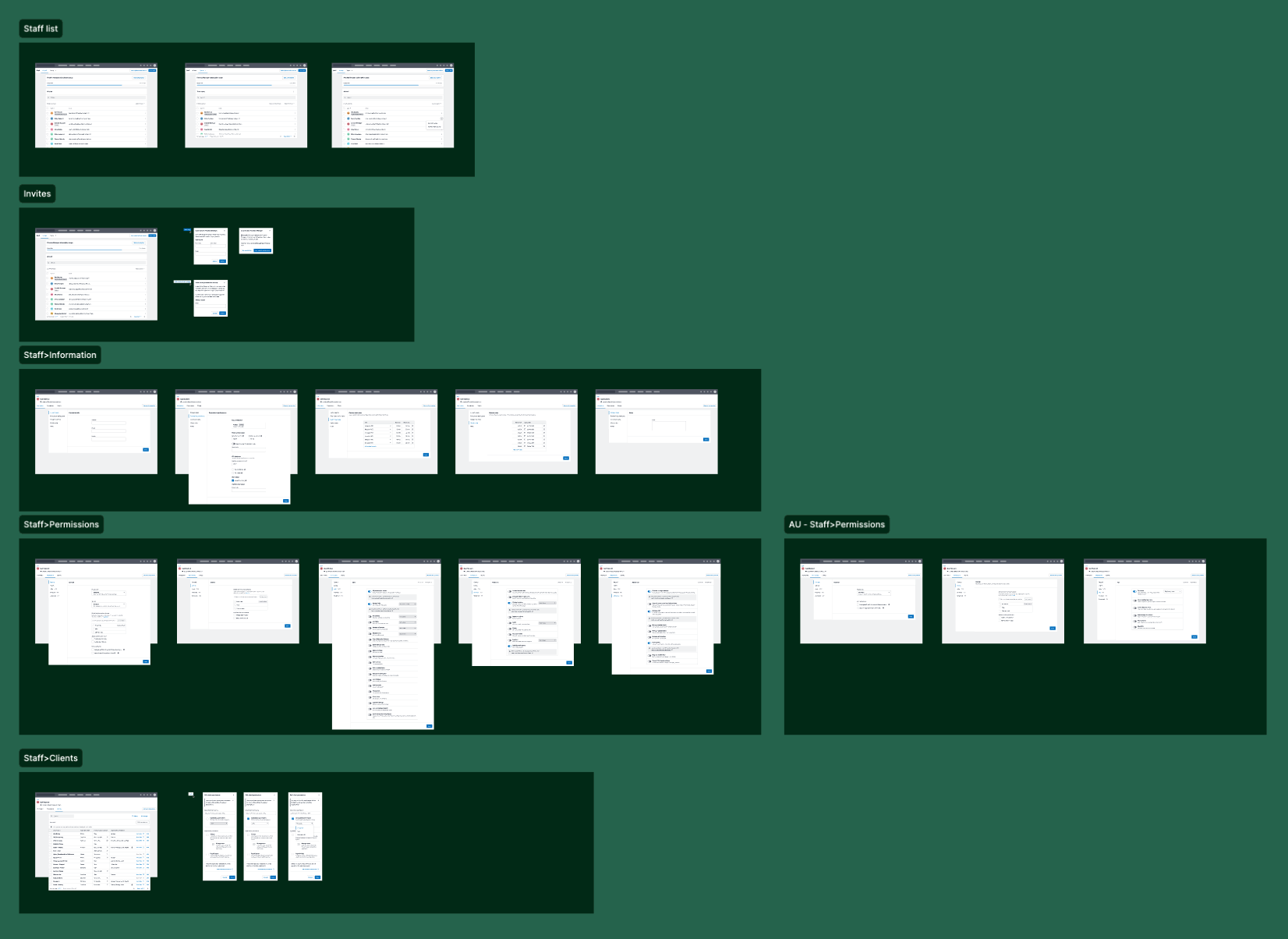
Refined experience for a single staff experience
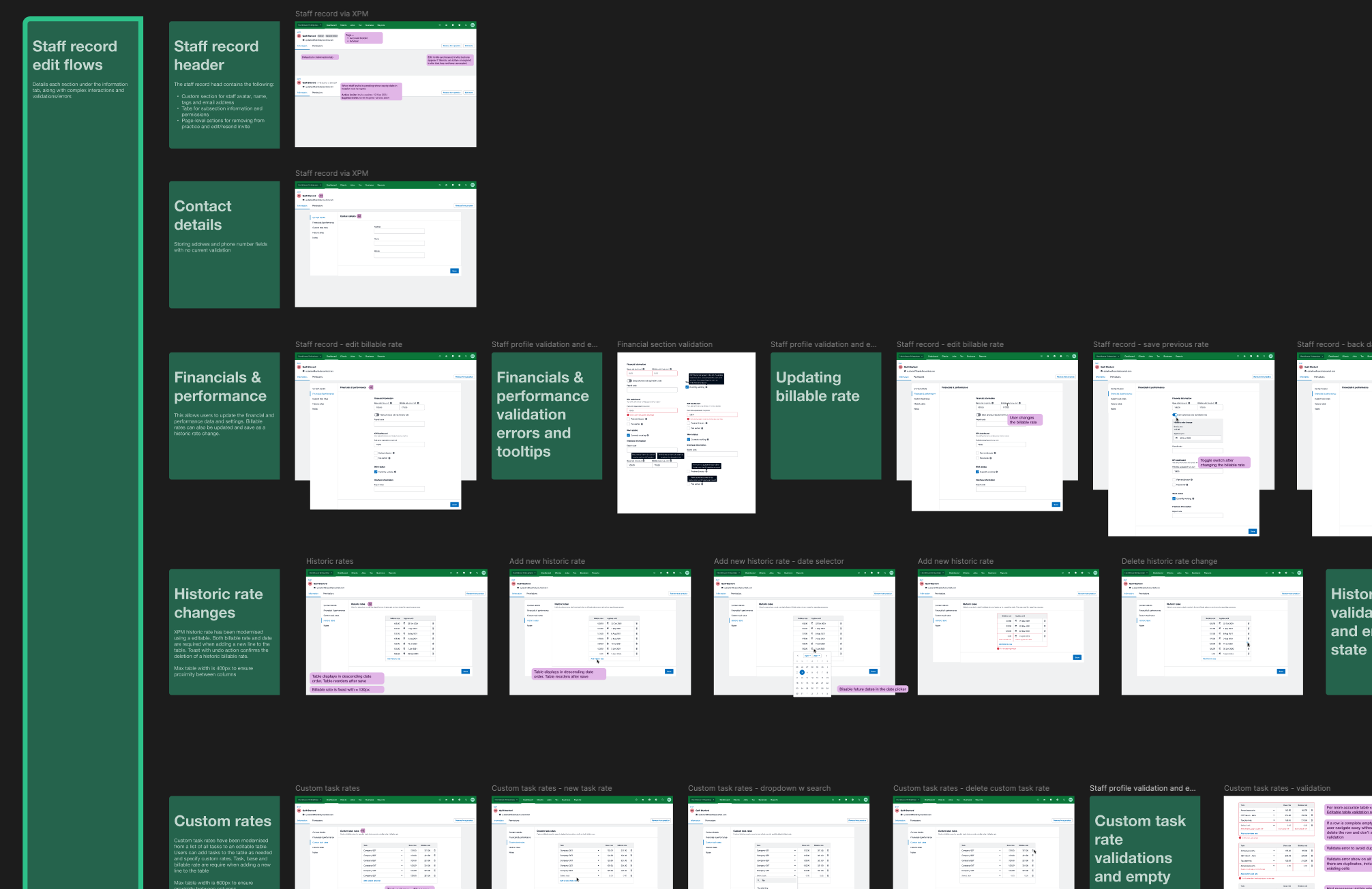
Example of a design spec file used by the development team
Result
One Unified System: We replaced the old XPM staff UI with a modern, centralised experience in Xero HQ.
Simplified Access Management: Merged two permission systems (3 fixed roles in HQ and 100+ granular privileges in XPM) into a streamlined role + task-based model that’s easier to understand and configure.
Improved UX & Accessibility: Built using Xero’s modern design framework, fully responsive and accessible by default.
Rolled out at scale: More than 50,000 practices (45,798 HQ-only and 5,132 XPM) were on the new experience by November 2025, migrated one at a time without downtime, typically in under 10 seconds.
Strategic Business Wins
Reduced operational and engineering overhead as legacy systems are deprecated
Delivered on a key milestone toward Xero’s unified practice tools strategy
Received strong internal and customer feedback, with post-launch refinements based on real usage data
Learnings
Balance is everything. Simplifying complex systems without sacrificing complex functionality used by current customers required constant iteration and prioritisation.
Legacy systems shape expectations. Users often expect new systems to behave like the old ones. Making small incremental changes helps users adjust to the change.
Designing for systems, not just screens. Thinking at a platform level helped me align UX decisions with long-term design, technical and business directions.